I can preview blonde on me three ways. First, I’ll use virtual try-on tools like Garnier’s AI color-matcher, which features 80+ shades and lets me upload a selfie for instant visualization.
Second, I’ll match my undertone: warm skin pairs with golden blonde, cool undertones with ash blonde, and neutral with beige tones.
Third, I’ll compare shades side-by-side using split-screen features to build my reference guide. Each method gets me closer to my ideal shade.
See How Blonde Will Look: Virtual Try-On Tools

How can you preview blonde hair before committing to the change? Virtual Hair Color Try-On tools let you experiment risk-free. Garnier’s tool features over 80 blonde shades with AI color-matching technology that delivers 88% accuracy.
You have two ways to try shades: use a live camera try-on or upload a selfie. The shade comparison feature lets you evaluate multiple blonde options side-by-side on your actual features. This matters because what looks good on a color chart might differ on your skin tone.
Start by taking the hair color quiz for personalized recommendations. Then preview those suggestions in the try-on tool. You can save favorites to review later. When you’re ready, shop online or visit a salon for professional results. No app download needed; just visit the website.
Match Blonde to Your Undertone: What a Pro Color Consultation Reveals
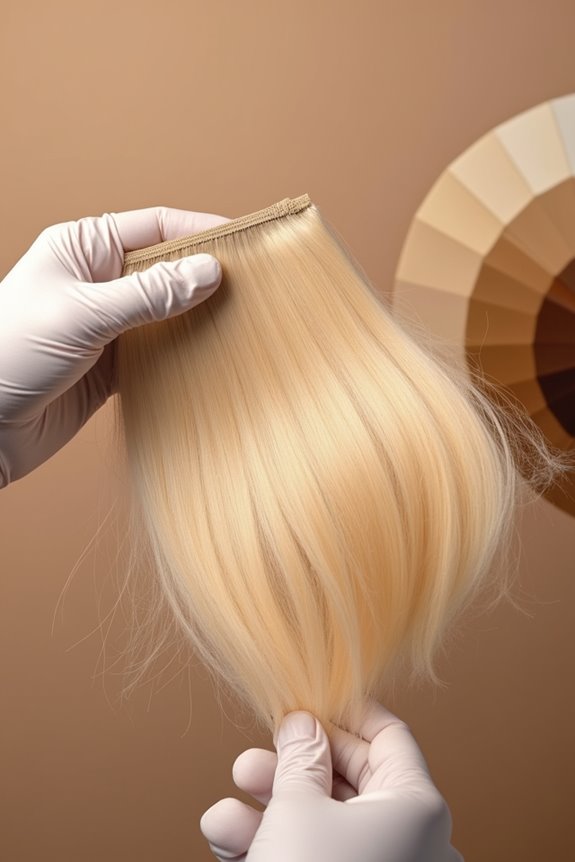
Why does the same blonde shade look different on one person versus another? The answer lies in your hair undertones.
A color consultation begins with undertone analysis. Your skin has warm, cool, or neutral undertones that determine which blonde shades will complement you most. Warm undertones pair well with golden blonde or honey tones. Cool undertones match beautifully with ash blonde and icy shades. Neutral undertones work across beige and creamy blonde options.
Your colorist uses this shade matching strategy to guide your selection. Then you’ll preview results through virtual try-on tools or in-salon testing before committing. This approach helps your new blonde work with your natural coloring.
Compare Blonde Shades Side-by-Side: Build Your Reference Guide
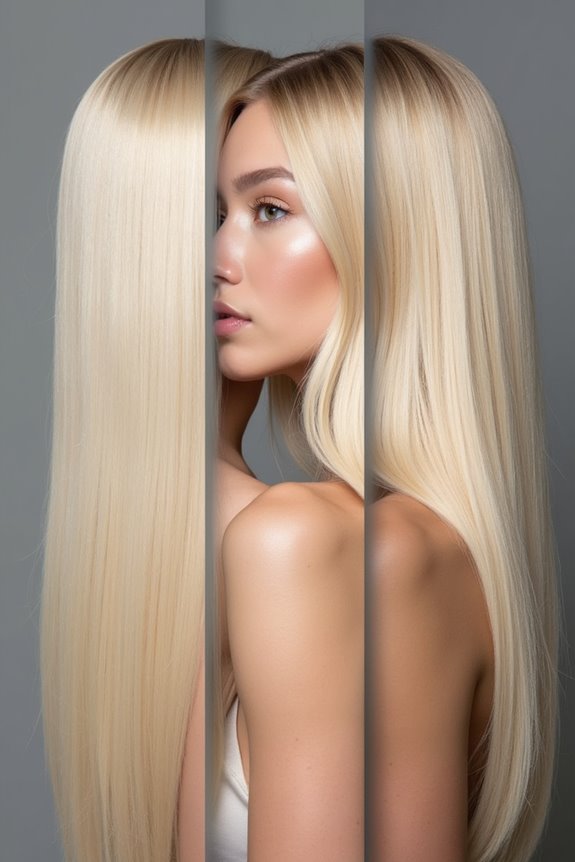
Once you’ve narrowed down your undertone match, it’s time to see those blonde shades in action. Virtual try-on tools let you compare different blonde shades directly. The split-screen feature shows before-and-after results instantly.
To build your reference guide, follow these steps: Select a shade in the try-on window. Toggle the split-screen slider to evaluate how each blonde looks against your current color. The color analysis provides shade recommendations tailored to your specific needs.
Use the compare tool to visualize side-by-side results. This approach helps you gather multiple options before making purchasing decisions, whether shopping in-person or online. A reference guide like this gives you confidence about which blonde shade actually works for you.